What is photo metadata?
Photo metadata is a block of fields the camera writes into the image file alongside the pixels. The common standard is EXIF, and it exists so that photo software can sort, rotate and colour-manage pictures without asking you.
The side effect is that the file records the circumstances of its own creation. A phone with location services enabled for the camera writes the latitude and longitude it had at the moment of capture, to several decimal places, which pinpoints a building rather than a neighbourhood.
None of this hides in any technical sense. It is a documented, standard part of the format that every photo tool can read. It is simply invisible in the one place people usually look at a photo, which is a screen showing the picture.
What can you find inside a photo file?
- Where the shutter fired. GPS latitude and longitude, when the camera recorded them. The report puts these on a map.
- When the shutter fired. The capture timestamp written by the camera, which is frequently different from the file's modification date.
- What took it. Camera make and model, plus the lens where the body reports it.
- How the camera shot it. Exposure, aperture, ISO, focal length, flash and white balance.
- What touched it afterwards. The software field names the editor that last wrote the file.
The last one often matters most. A photograph somebody presents as straight from a camera, whose software field names an image editor has been through something. It does not say what changed, only that the file was rewritten after the camera finished with it.
Why do the two timestamps matter?
Because a file carries at least two, and they answer different questions. The camera writes the capture time when the shutter fires. The filesystem maintains the modification time and updates it whenever anything writes the file.
Where they agree, nothing has happened to the file since it was taken. Where they disagree, something has, and the size of the gap is informative. A modification time years after capture is an old photo somebody re-saved recently, which by itself is innocent — every backup tool does it.
A capture time that is missing entirely, on a file that still has its camera fields, usually means an editor rewrote the file and dropped it. That is worth knowing when a photo is offered as evidence that something happened on a particular day.
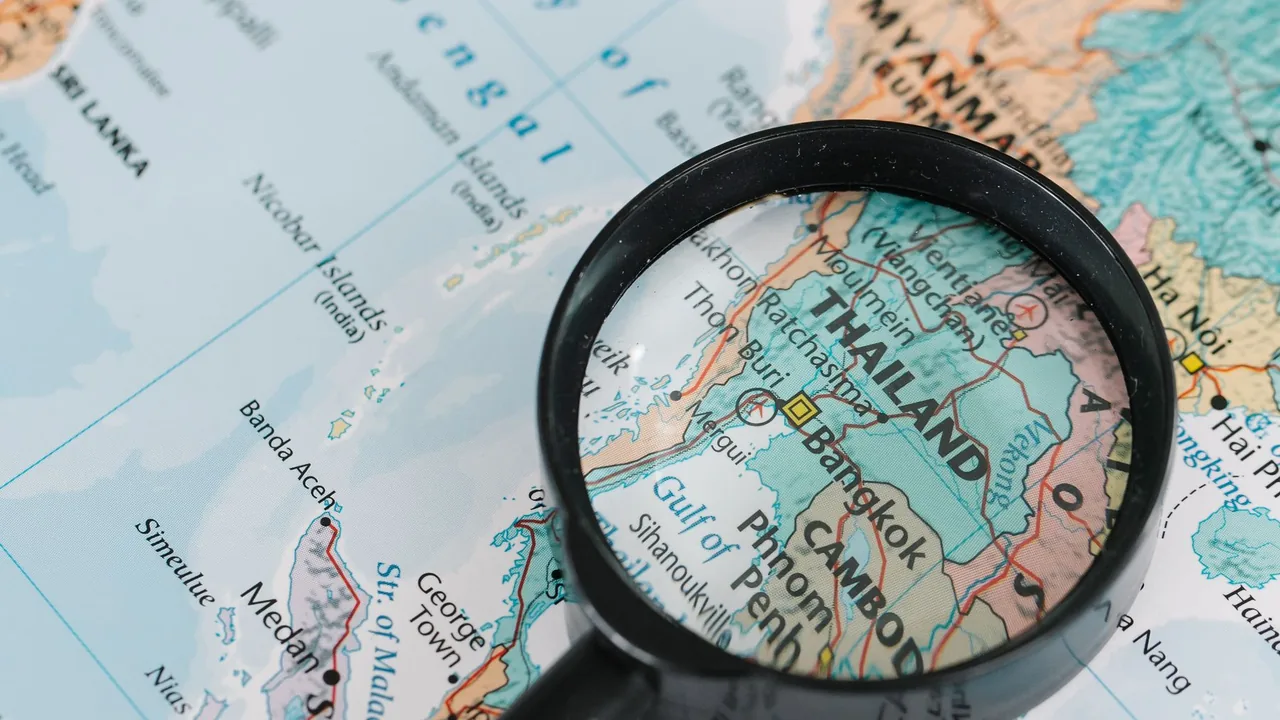
When the coordinates survive, they are precise enough to place a building rather than a neighbourhood.
Why do most photos have no metadata left?
Because the platform removed it. Instagram, Facebook, X, WhatsApp and most others strip EXIF on upload, partly to save bytes and largely because publishing every user's home coordinates would be a catastrophe.
So an image saved from a social network is almost always clean, and a clean file proves nothing about the photographer. It is the normal state of any picture that has been posted somewhere, and not a sign that anybody scrubbed it deliberately.
What is very often not clean is a file sent to you directly: an email attachment, a message from an app that preserves originals, a file handed over on a drive. Those arrive as the camera wrote them, which is exactly why the difference is worth understanding.
Not a reverse image search. Reading metadata answers what the file records about itself. Finding where else a picture appears online is a different job and needs a reverse image search such as Google Lens.
How do you strip metadata before sharing a photo?
Both major phone platforms now offer this in the sharing sheet. it. On iOS, tap Options at the top of the share sheet and turn off Location. On Android, the Google Photos share menu has a remove-location option.
The more durable fix is to stop the camera recording coordinates at all, by denying it location permission. You lose the ability to sort your own library by place, which is a real cost, and you gain a camera roll that cannot leak your address in a single forwarded file.
If you post through a social network, the network has already stripped it for you. The risk sits with direct sends, which is the case people think about least, and with cloud folders shared by link, which hand over the original file exactly as the camera wrote it.
How do you read a photo's metadata safely?
The photo analysis page does this, and the email guide covers the identifier that reaches furthest.
The important question about any tool that reads photo metadata is where the file goes, because you are handing over a picture whose coordinates you have not yet seen.
DetectiveCheck reads the file in your browser. Your own machine parses the image, and the coordinates, timestamps and camera fields never leave it. That is also why you cannot reopen a photo report after the tab closes: no copy exists anywhere to reopen.
The report also prints a SHA-256 of the file. Two identical files share that value, which is how you prove a picture is the same one you were sent rather than a re-saved lookalike. You can run one on the photo analysis page, and nothing about the file leaves your machine.
Is reading a photo's metadata legal?
Reading a file somebody sent you is lawful. The metadata travels as part of that file, and opening it differs in no way from looking at the picture.
The coordinates count as personal data about whoever took the photograph. In the EU and the UK that means the GDPR applies to what you do with them, and a home address recovered from a holiday snap is exactly the sort of thing regulators have in mind.
Publishing somebody's home coordinates, or using them to turn up at an address, is harmful regardless of how lawfully the file reached you. The technique stays neutral; going to the location is not, and neither is posting it where somebody else can. Treat a coordinate you did not expect to find as something to tell the sender about, not something to act on.
Common questions
What is EXIF data in a photo?
EXIF is the standard block of fields a camera writes inside an image file: GPS coordinates, the capture timestamp, camera make and model, lens, exposure settings and the software that last edited the file. It exists so photo software can sort and correct images automatically, and it travels with the file.
Can you find where a photo was taken?
Yes, when the file still carries GPS coordinates, which nearly every phone writes unless the owner denied the camera location access. The coordinates are precise to several decimal places, enough to identify a building. If the photo went through a social network first, that network already stripped the coordinates.
Why does my photo have no metadata?
Almost certainly because it passed through a social network. Instagram, Facebook, X and WhatsApp strip EXIF on upload, so any image saved from them is clean. That is the normal state of a posted picture and does not mean anybody deliberately scrubbed it or that anybody altered the photo.
Does WhatsApp remove photo metadata?
Yes for images sent normally, which the app recompresses and strips on the way through. It does not strip a photo sent as a document or file attachment, because that path exists to deliver the original bytes untouched. That distinction is why some files arrive with full coordinates and others with none.
How do I remove metadata from a photo before sending it?
On iOS, open the share sheet, tap Options at the top and turn off Location. On Android, use the remove-location option in the Google Photos share menu. The more reliable fix is to deny the camera app location permission, so coordinates are never written into your files in the first place.
Can photo metadata be faked?
Yes. Every EXIF field is editable with ordinary tools, so coordinates and timestamps can be changed to say anything. Treat metadata as an unverified claim by whoever last wrote the file, which is why the software field matters: an editor named there means something rewrote the file after capture.
Is reading someone's photo metadata legal?
Reading a file that was sent to you is lawful, since the metadata forms part of the file somebody gave you. What you do next is regulated: coordinates are personal data about the photographer under GDPR in the EU and UK, and publishing a home location or acting on it is harmful regardless of how the file reached you.
Is photo metadata analysis the same as reverse image search?
No, they answer different questions. Metadata analysis reads what the file records about its own creation: location, time, camera and software. A reverse image search finds other places the same picture appears online, which is what you want for checking whether somebody took a profile photo from another person.